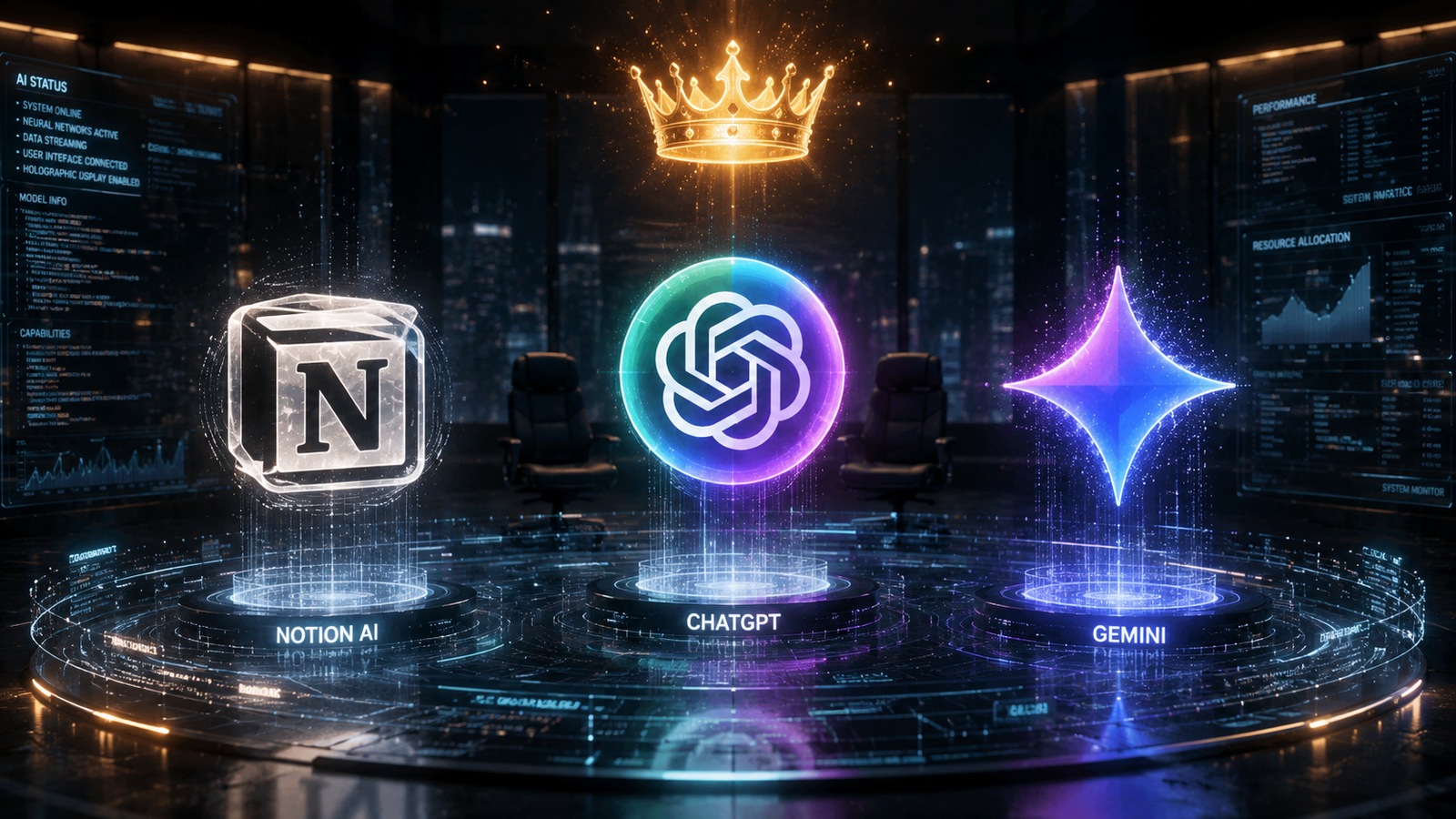
Merely a year ago, comparing these tools felt akin to comparing different varieties of coffee—personal taste mattered, yet they all performed roughly the same function. By May 2026, however, the landscape has transformed completely. We are no longer simply comparing chatbots. Actually, we are now comparing the very operating systems that define how we work.
OpenAI has fundamentally rebuilt ChatGPT to serve as a minimalist task-cruncher. Meanwhile, Google has woven Gemini directly into the DNA of your email and documents. In contrast, Notion has flipped the script entirely, evolving from a note-taking app into an autonomous workforce powered by “Custom Agents.”
For writers, project managers, developers, or students, you cannot afford to pick the wrong tool right now. This 5000-word deep dive covers the latest updates (GPT-5.5 Instant, Gemini inside Sheets, Notion Custom Agents). It also presents blind test results, discusses privacy concerns, and provides step-by-step guidance on professional usage.
Let us dismantle the hype together and find your perfect AI partner.
The “Agentic” Revolution (The May 2026 Update Breakdown)
Before we examine the bench press statistics—context windows, speeds, and pricing—we must first consider underlying philosophy. The updates released in April and May 2026 clearly reveal where each company is heading.
What’s New in ChatGPT:
On May 5, 2026, OpenAI rolled out GPT-5.5 Instant as the default model for all users. If you previously felt ChatGPT was becoming too verbose or “cringey,” the fix has finally arrived.
- Hallucinations are Halved: OpenAI claims a 52.5% reduction in false claims in high-stakes areas like medicine and law. Consequently, students researching papers will find this improvement a genuine lifesaver.
- AI is Getting Less Annoying: The model now uses 30% fewer words while eliminating gratuitous emojis and the habitual “Is there anything else I can help you with?” filler.
- Memory Transparency: ChatGPT can now reference your past chats and connected Gmail. Nevertheless, it now clearly explains why it made a particular suggestion. As a result, you can delete specific outdated memories whenever needed.
The biggest shift? OpenAI is aggressively pushing “Workspace Agents.” These are no longer simple chatbots. Instead, they function as digital employees capable of scanning your Google Calendar, reading your SharePoint, and automatically emailing you a meeting brief without any prompting.
What’s New in Notion AI:
Notion 3.2 and 3.3 (released early 2026) have arguably made the most dramatic leap. Notion is no longer just a “wiki with AI.” In fact, it has become a full-fledged AI operating system.
- Custom Agents (The Killer Feature): You can now build autonomous agents that run on a fixed schedule. For example: “Agent, every morning at 9 AM, check the ‘Bug Report’ database, summarize unresolved critical issues, and post them in Slack.” These are not merely Q&A bots; they actively perform actions across your workspace.
- Model Flexibility: Notion now lets you choose the underlying engine. You can pick GPT-5.2, Claude Opus 4.5, or Gemini 3 directly inside any document. Consequently, Notion acts as a universal remote control—offering Claude’s logic or Gemini’s web access without switching tabs.
- Mobile AI Notes: You can now start a voice recording or AI transcription on mobile that continues even if you lock your screen. This feature proves perfect for commuters or anyone who thinks best while walking.
What’s New in Gemini:
Google’s “Agentic” vision follows a different path entirely. The company is not building a separate application. Rather, it is building an assistant that lives inside your existing apps.
- Sheets Gets a Brain: You can now ask Gemini to analyze data using plain English. Subsequently, it will create heat maps or dashboards without requiring any formulas whatsoever.
- Cross-App Autonomy: Gemini can now summarize a Zoom call, check your Gmail for related keywords, and draft a Doc. Moreover, it integrates with Microsoft 365, making it a genuine migration threat to Microsoft Copilot.
- Gemma 4 & Deep Research Max: For researchers, Google released tools that synthesize complex data across millions of tokens. Unsurprisingly, the context window remains king here.
Head-to-Head Comparison
While philosophy matters greatly, specs ultimately pay the bills. Here is the current state of play based on April 2026 data.
| Feature | ChatGPT (GPT-5.5) | Gemini (AI Pro) | Notion AI |
|---|---|---|---|
| Core Strength | Versatility / Code / Writing | Research / Context / Google Apps | Workspace Context / Autonomy |
| Context Window | 128K tokens | 2 Million tokens (Winner) | Varies by model (GPT/Claude) |
| Pricing | $20/month | $19.99/month | $20/user/month (Business plan) |
| Image Gen | Yes (GPT Image) | Yes (Imagen 3) | Yes (New feature) |
| Autonomy (Agents) | Workspace Agents (Beta) | Deep Research | Custom Agents (Live) |
| Writing Rank | #2 | #3 | #4 (but #1 for summaries) |
The Context Window War
Gemini wins this contest decisively with its 2.1 million token limit. You can drop an entire 10-book series into Gemini and ask detailed questions about it.
- Use Case: Legal document review or academic research benefits enormously.
- ChatGPT is more efficient with its 128K window. Nevertheless, it relies on “memory” features to recall past chats rather than ingesting massive files all at once.
- Notion AI, in contrast, acts as a connector—it does not require a massive window because it can directly query your database instead.
The Writing Quality Blind Test
In a February 2026 blind test involving 134 participants, the results surprised many who favored the biggest names:
- Claude (Available inside Notion): Won 4 out of 8 rounds. Voted “least AI-sounding” by a wide margin.
- Gemini: Won 3 rounds. Testers praised its strong structural organization.
- ChatGPT: Won 1 round. Still best for raw speed.
Why this matters: If you are using vanilla ChatGPT for high-end copywriting, you are probably losing to a marketer who uses Claude inside Notion.
Deep Dive — When to Use Each Tool (Real Workflows)
ChatGPT (GPT-5.5 Instant): The General Contractor
ChatGPT remains the best “first chair” assistant. For the general user, it represents the safest bet.
How to Use It (The 2026 Way):
- Clean up your Memory. Go to Settings -> Personalization -> Manage Memory. Delete old jobs or past relationships. GPT-5.5 uses this memory aggressively now. If you have changed careers, tell it to forget your previous role.
- Use the Canvas for iteration. Do not simply chat endlessly. Instead, ask GPT to write a draft in the Canvas. Then highlight specific paragraphs and instruct it: “make this sound more professional.”
- Generate Images & Data. Ask it to produce charts using code. GPT-5.5 excels at writing Python scripts that visualize data on the fly.
Best For: Social media captions, coding, brainstorming, general writing, and analyzing uploaded PDFs and images.
Gemini (with Google AI Pro): The Research Librarian
Gemini becomes useless if you merely open a tab and start typing. It shines because it lives inside your Google Drive.
How to Use It (The 2026 Way):
- Connect your Drive. Ensure Gemini has access to both your Gmail and Drive.
- Use the “Deep” Prompt. Instead of saying “write a report,” try this: “Analyze the last 5 project proposals in my Drive. Look at the feedback emails from clients on Project X. Write a report explaining why we are losing deals.” ChatGPT cannot do this unless you manually upload every file.
- Leverage Workspace Intelligence. In Google Sheets, click the Gemini button and ask: “What trends are visible in this sales data?” Subsequently, it will build pivot tables for you automatically.
Best For: Corporate jobs, students handling 100+ sources, travel planning (it pulls from your emails), and data synthesis.
Notion AI (with Custom Agents): The Project Manager
Do not use Notion AI to “write a poem.” Instead, use it to run your business operations. The standout feature remains Custom Agents.
How to Use It (The 2026 Way):
- Build a “Meeting Prep” Agent:
- Go to the Custom Agents tab.
- Connect your Google Calendar and Notion Wiki.
- Provide this instruction: “Every day at 8 AM, scan my calendar. For any meeting involving ‘Client X,’ locate the three most recent meeting notes from my Wiki. Next, summarize the action items and any unanswered questions. Finally, email that summary directly to me.
- Consequently, this agent works autonomously while you sleep.
- Use the Multi-Model Approach. Inside any Notion page, type
/aiand select “Switch Model.” Use Claude Opus 4.6 to draft a press release (superior natural tone). Then switch to GPT-5.2 to brainstorm taglines. - Triage your Inbox. Connect Notion Mail to an agent that automatically archives newsletters. Additionally, flag any emails mentioning “urgent” for specific projects.
Best For: Teams, project management, internal wikis, organizing chaos, and automating repetitive administrative work.
Visuals & Content Creation
A major development in 2026 has been the commoditization of image generation.
- ChatGPT offers the best integration. You can now ask GPT-5.5 to generate an image, and it will iterate on the same canvas without losing context.
- Notion AI just released
/ai image, allowing you to generate diagrams and cover images directly on any page. - Google Vids is now generally free, enabling short video presentations generated by Gemini.
Winner: ChatGPT for still images (most controls). Gemini for video via Google Vids.
How to Use Them (Step-by-Step Mastery)
Mastering ChatGPT (GPT-5.5 Instant)
- Turn off verbosity. In your settings, ensure “Concise” is selected as the default tone. This leverages the new 30% shorter output style.
- Upload Complex Images. Try uploading a photo of a hand-drawn chart or a messy whiteboard. GPT-5.5’s vision capabilities are now deeply integrated.
- Use “Memory Sources.” Click the (i) icon to see why the AI answered that way. If a 2024 memory appears outdated, delete it and regenerate.
Mastering Gemini
- Perform the 2 Million Token Test. Find 5 large PDFs (textbooks or research papers). Drag them all into Gemini. Ask it to find contradictions between them. Other models will choke, but Gemini will deliver.
- Use Colab Learn Mode. If you are coding, use Google Colab’s new “Learn Mode.” Gemini stops writing code for you and instead teaches you how to write the code, acting as a patient tutor.
- Enable Fitbit Integration. If you own a Fitbit, Gemini can analyze your sleep and activity to plan your day. For example: “Schedule a deep work session for when my energy is highest.”
Mastering Notion AI
- Learn the Model Selection Shortcut. Hit
Cmd + /(orCtrl + /), type “AI,” then “Switch Model.” Do not rely on Auto. Use Claude for creative writing, GPT for coding, and Gemini for research. - Build a Custom Agent (No Code):
- Navigate to
Settings->Agents. - Click
Create. - Name it “Standup Scribe.”
- Provide this instruction: “Read the ‘Tasks’ database. Organize tasks by assignee. Then compile a summary of every task marked ‘In Progress.’ Finally, send that summary to the #daily-standup Slack channel.”
- Set the schedule: 9:55 AM daily.
- Navigate to
- Use Mobile Transcription. Before a meeting on the go, open Notion Mobile. Tap the mic icon (AI Notes). Lock your phone and put it in your pocket. It transcribes continuously even while locked.
The Verdict (Which One is “Best”?)
No single winner exists for every scenario. However, there is definitely a wrong choice for your specific lifestyle.
Pick ChatGPT if:
A single, versatile tool that handles multiple tasks reasonably well is what you need. Generating images, writing code, and chatting conversationally? ChatGPT does it all. Freelancers and generalists, in particular, will find this option perfectly suited to their workflow.
Pick Gemini if:
Living inside the Google ecosystem (Gmail, Drive, Docs, Sheets) describes your daily reality. For students or researchers who need to digest massive amounts of text, the 2-million-token context window is a game-changer. Furthermore, having the AI search the web for free—without hitting paywalls—makes Gemini an exceptional value.
Pick Notion AI if:
Running a business or managing a team is your primary responsibility. Perhaps you also have a messy Notion workspace that desperately needs organizing. Above all, automating away the boring stuff—meeting notes, task triage, status reports—is exactly what you want to achieve.
Do read: How to become a data analyst after 12th
The Power User Strategy
If you are serious about work in 2026, do not pick just one tool. Instead, use Notion AI (Business) as your operating system to manage memory and agents. Run ChatGPT Plus for image generation and quick coding tasks. Additionally, use Google AI Pro for research papers. Connect them via MCP (Model Context Protocol) so your Notion Agent can query ChatGPT for images when needed.
AI has moved decisively from “Ask a question” to “Delegate a task. ” Consequently, the winners in 2026 are not the best writers. Rather, they are the best managers of digital agents. Choose your manager wisely.