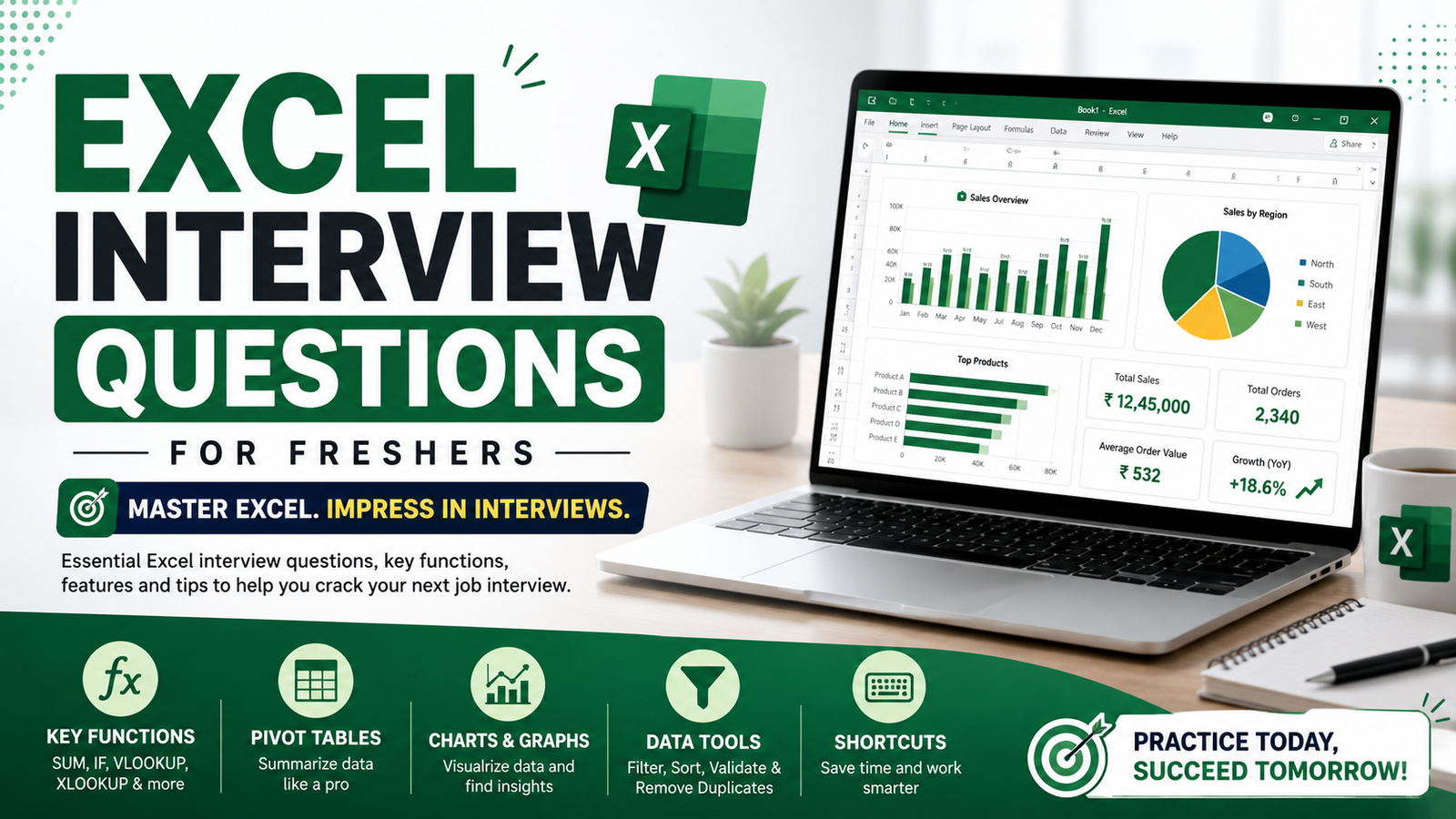

Microsoft Excel has become one of the most useful computer skills in modern workplaces. From managing business reports to organizing personal budgets, Excel is used almost everywhere. One major advantage is that learning Excel no longer requires joining costly training centers or offline coaching classes. Today, anyone with an internet connection can start learning Excel online for free.
Whether you are a student, office worker, freelancer, or someone preparing for jobs, Excel can help you work faster and handle data more professionally.
Why Excel Skills Matter
Many people think Excel is only for accountants, but that is outdated thinking. Excel is now used in multiple fields such as:
- Marketing
- Sales
- Finance
- Human resources
- Data analysis
- Education
- Small businesses
Even basic Excel knowledge can make daily tasks easier. Companies also prefer candidates who know how to handle spreadsheets, formulas, and reports.
Can You Really Learn Excel for Free?
Yes, absolutely.
A lot of high-quality learning material is available online without payment. You can learn:
- Basic spreadsheet handling
- Formulas and calculations
- Charts and graphs
- Data organization
- Reporting systems
- Advanced automation tools
The main challenge is not access to resources. The real challenge is staying consistent while practicing.
Best Free Resources for Learning Excel
YouTube Tutorials
YouTube is one of the easiest places to begin. Thousands of creators upload free Excel lessons for beginners and advanced users.
You can learn:
- Excel basics
- Formula tutorials
- Dashboard creation
- Office productivity tricks
The advantage of video learning is that you can pause and practice side by side.
Best YouTube Channels to Learn Excel
1. WsCube Tech
WsCube Tech provides beginner-friendly Excel tutorials along with practical office-related examples. Their lessons are simple and useful for students and job seekers.
2. Satish Dhawale
Satish Dhawale explains Excel formulas, dashboards, and data analysis concepts in an easy-to-understand style, especially for Hindi-speaking learners.
3. Rishabh Mishra
Rishabh Mishra offers detailed Excel tutorials covering formulas, pivot tables, reporting, and advanced Excel techniques.
Microsoft’s Official Training
Microsoft Learn
Microsoft provides structured Excel training directly on its learning platform. Since the lessons come from the official source, the information stays reliable and updated.
Free Learning Websites
A few websites are especially helpful for beginners because they explain concepts in simple language.
These websites also include practice examples, which is important for improving quickly.
Online Course Platforms
Platforms like:
sometimes provide free Excel courses or trial access to premium content.
Topics Beginners Should Learn First
Trying to learn every Excel feature together often makes the learning process overwhelming and confusing. A better approach is learning step by step.
Start With Basics
First understand:
- Workbook and worksheet structure
- Rows and columns
- Cell formatting
- Data entry
- Saving and organizing files
Learn Simple Formulas
Formulas are what make Excel powerful.
SUM Formula
=SUM(B1:B10)
This formula adds numbers together automatically.
AVERAGE Formula
=AVERAGE(B1:B10)
It calculates the average value from selected cells.
IF Formula
=IF(B2>=40, P¨ass,¨ F¨ail)¨
This formula helps Excel make decisions based on conditions.
Move to Intermediate Skills
After understanding basics, focus on:
- Pivot tables
- Conditional formatting
- Data filtering
- Charts and visualization
- VLOOKUP and XLOOKUP
These tools are heavily used in offices and reporting jobs.
How to Practice Excel Effectively
Watching tutorials alone is not enough. Practical work matters more than theory.
Here are some good practice ideas:
- Create a monthly budget sheet
- Build a student attendance tracker
- Make a sales report
- Design an expense calculator
- Track daily study hours
Small projects improve confidence faster than endless video watching.
Common Mistakes While Learning Excel
Learning Without Practice
Many beginners only consume tutorials but never open Excel themselves. That slows progress badly.
Ignoring Keyboard Shortcuts
Shortcuts improve speed and efficiency. Professionals rely on them daily.
Jumping Into Advanced Topics Too Early
Macros and automation are useful, but beginners should first build strong fundamentals.
Depending Completely on Memorization
You don’t need to memorize every formula. Understanding logic matters more.
How Long Will It Take to Complete Excel?
The answer depends on your consistency.
- Basic understanding: around 1–2 weeks
- Comfortable working level: around 1–2 months
- Advanced professional level: several months of practice
Someone practicing regularly for even one hour daily will improve much faster than someone studying randomly.
Advantages of Learning Excel Online
Flexible Schedule
You can study anytime without attending physical classes.
No Financial Pressure
Most beginner resources are completely free.
Learn at Your Own Speed
You can repeat difficult topics until they become clear.
Better Career Opportunities
Excel skills are useful in internships, office jobs, freelancing, and business work.
Conclusion
Learning Excel online for free is one of the smartest skills you can start today. It does not require expensive software training centers or advanced technical knowledge. The biggest factor in improving your Excel skills is practicing consistently.
Start with simple spreadsheets, understand formulas gradually, and keep building small projects. Over time, Excel becomes less confusing and more practical.
People often quit Excel because they expect instant mastery. In reality, the people who become skilled are usually the ones who stay consistent long enough to improve.